How to Sign In
When you get to 印象笔记 translation server Welcome page (translate.evernote.com), you see a big green button in the center:
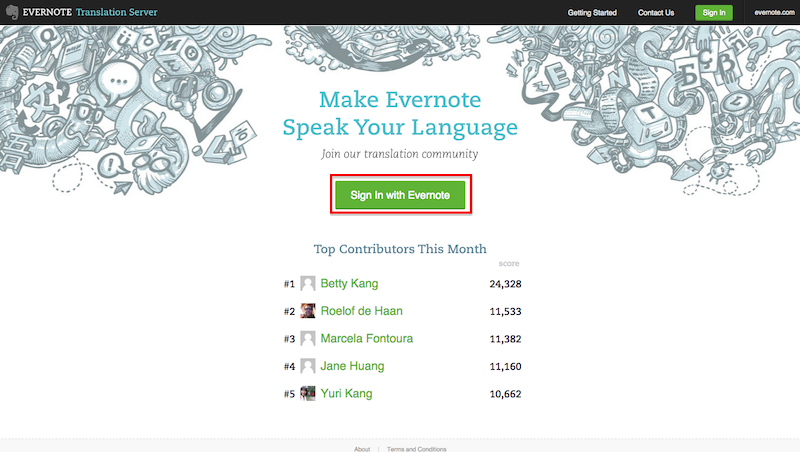
You can click there to get to the sign in dialog. Alternatively, you can sign in using another green button located in the right upper corner at Welcome page:
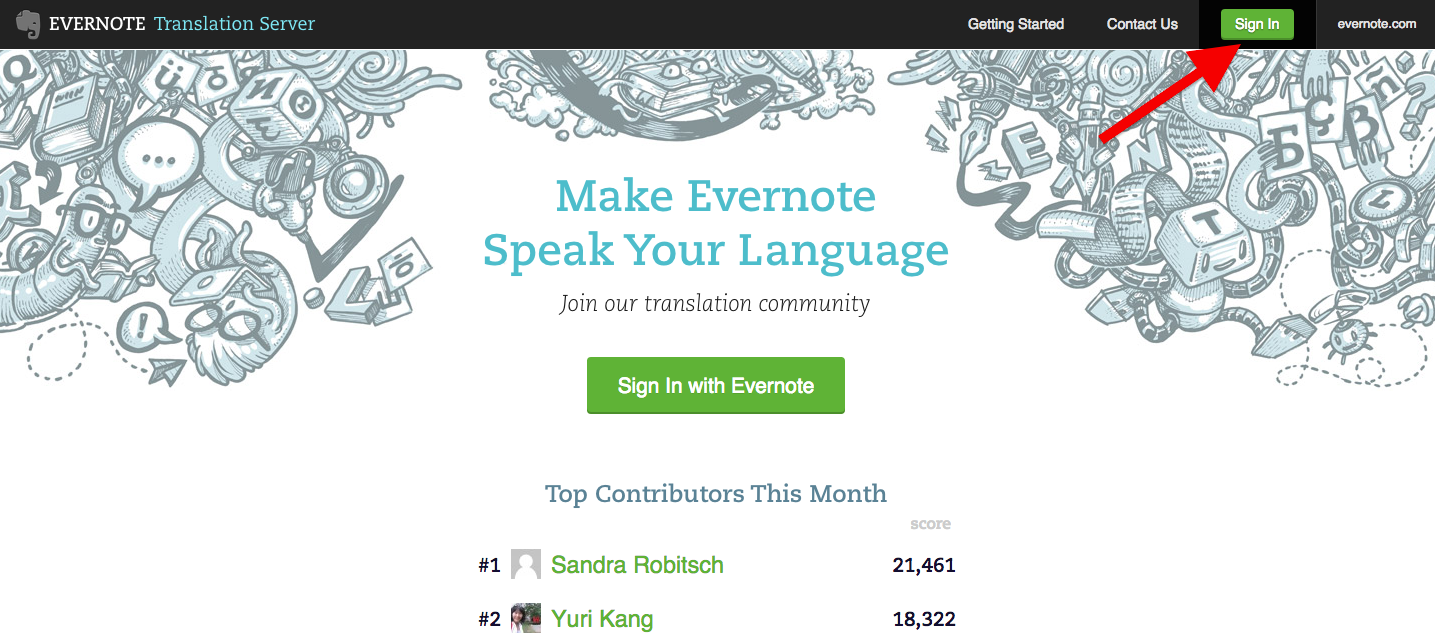
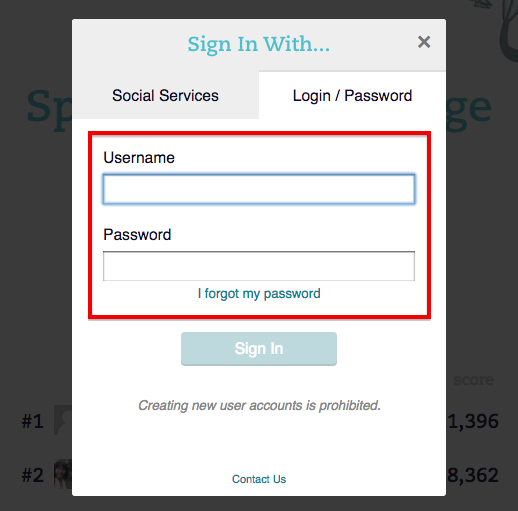
Click the button, and you'll see a dialog prompting you for the (Login / Password) to sign in:
What's Next
Once signed in, you will be redirected to your language Browse which is used for browsing translation projects.
Now you're almost ready for translation. Before getting into it, take a moment to fill your public translator's profile which is created at your first login.
Filling your profile will help you to make translating Evernote an enjoyable social experience, get more followers on Twitter, and boost your resume on LinkedIn.